3 months
$10,00 / month
- 35.000+ international TV channels
- 142.000+ movies & series on demand
- SD / HD / FHD / 4K / UHD quality
- Anti-buffer EU servers
+1 free month
✓ Same features as one screen
✓ Watch all selected screens simultaneously
The match you never miss. The series you stay up for. The channels that feel like home. Bring them together with 35.000+ live channels and 142.000+ movies & series.
Most providers compete on price. We compete on quality — $67,00 for the annual plan.
YOUR FRONT ROW. EVERY NIGHT.Your favorites, all in good company


Swipe or use arrow keys
Choose your screens. Find your plan.
$10,00 / month
+1 free month
✓ Same features as one screen
✓ Watch all selected screens simultaneously
$5,58 / month
✓ +1 free month
✓ Same features as one screen
✓ Watch all selected screens simultaneously
$7,33 / month
+1 free month
✓ Same features as one screen
✓ Watch all selected screens simultaneously
$14,00 / month
+1 free month
✓ Same features as one screen
✓ Watch all selected screens simultaneously
$5,58 per month · 1 screen
USD is the default. Prices are total bundle amounts; monthly figures are equivalents, not monthly billing. The free month is exclusive to the annual plan. Confirm taxes, content availability, player fees, and final terms before payment.
Films, series, and your next evening in.


Swipe or use arrow keys
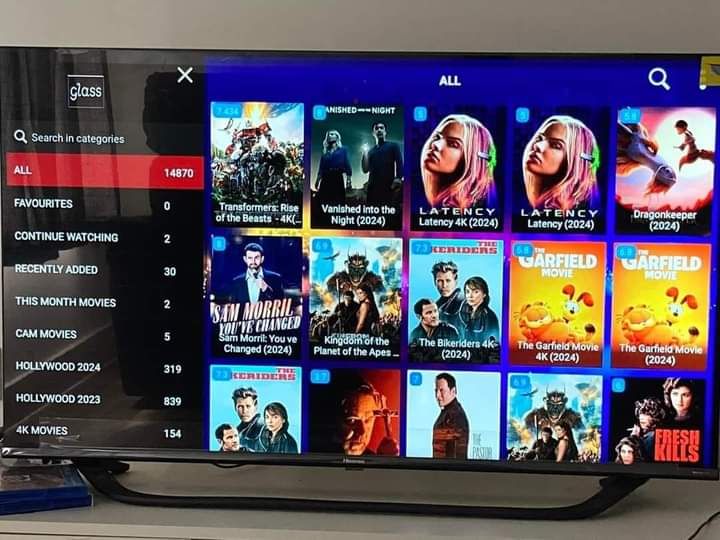
Choose from 142.000+ movies and series. Check audio, subtitles, and regional availability in the VOD and catch-up guide for details.
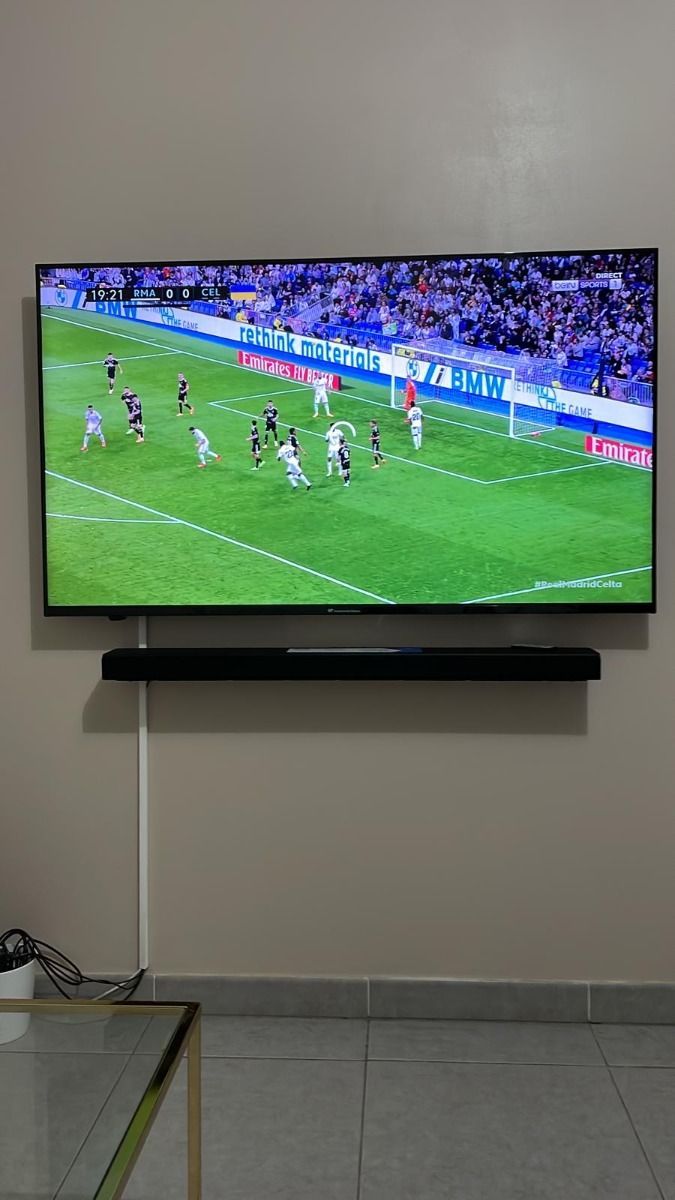
Your sports, from kickoff to the final lap.


Swipe or use arrow keys
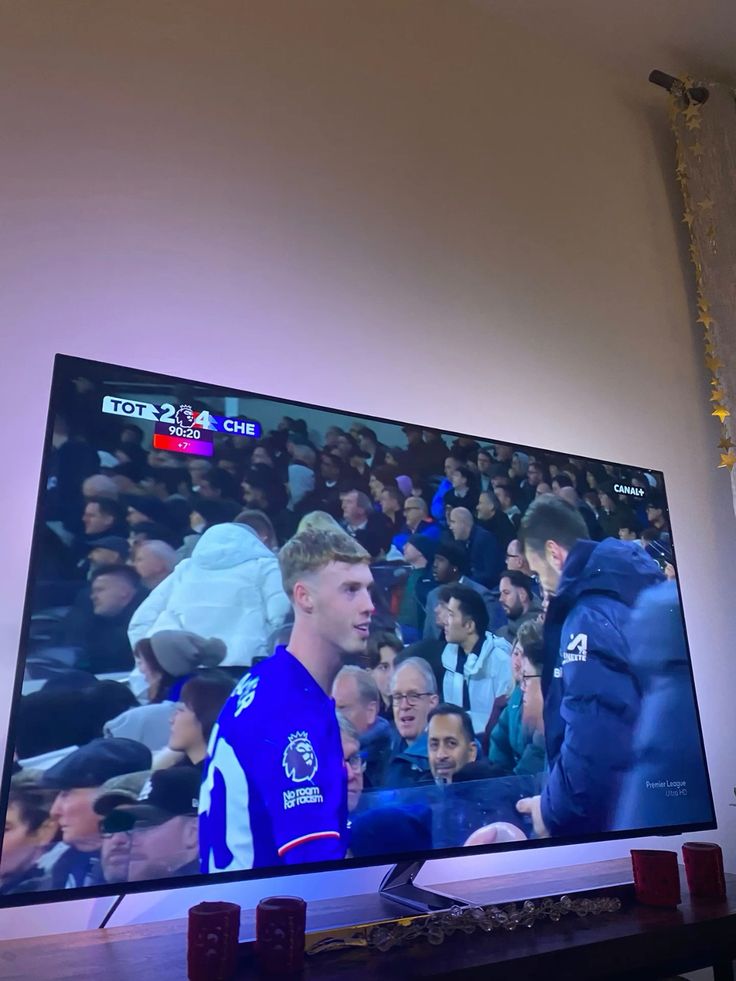
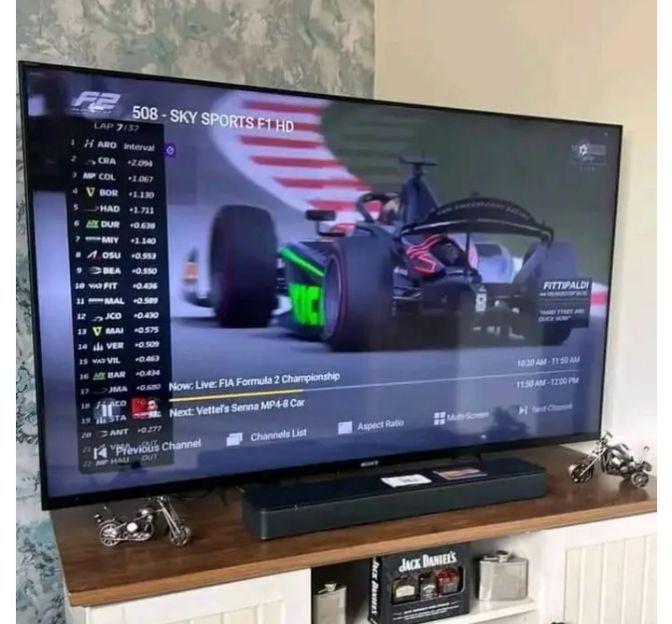
Explore sports, Formula 1, MotoGP, and event categories. Confirm your match and regional access before ordering.
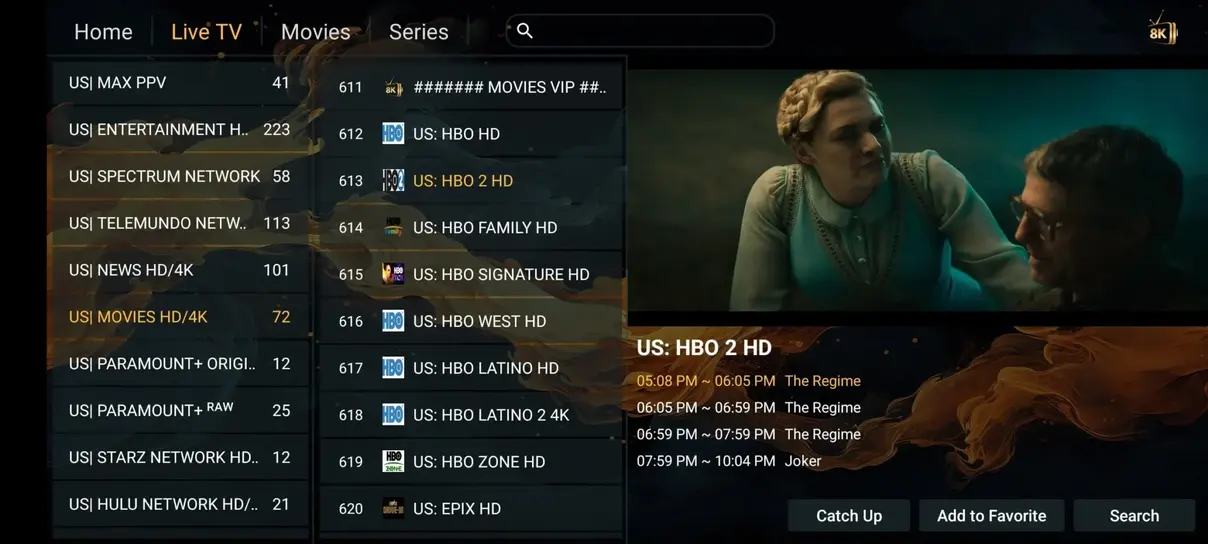
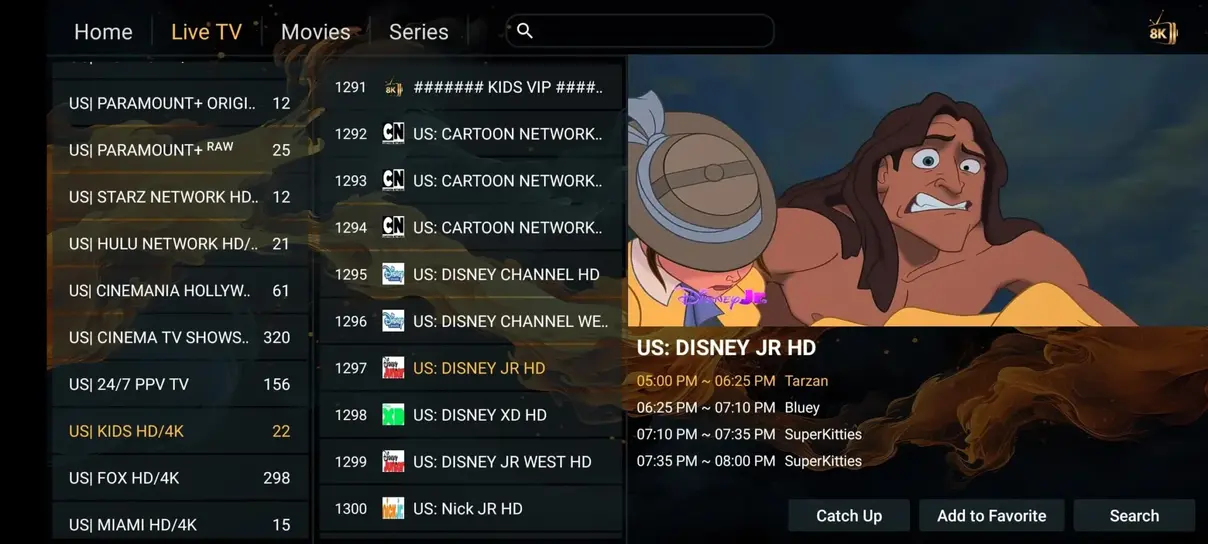
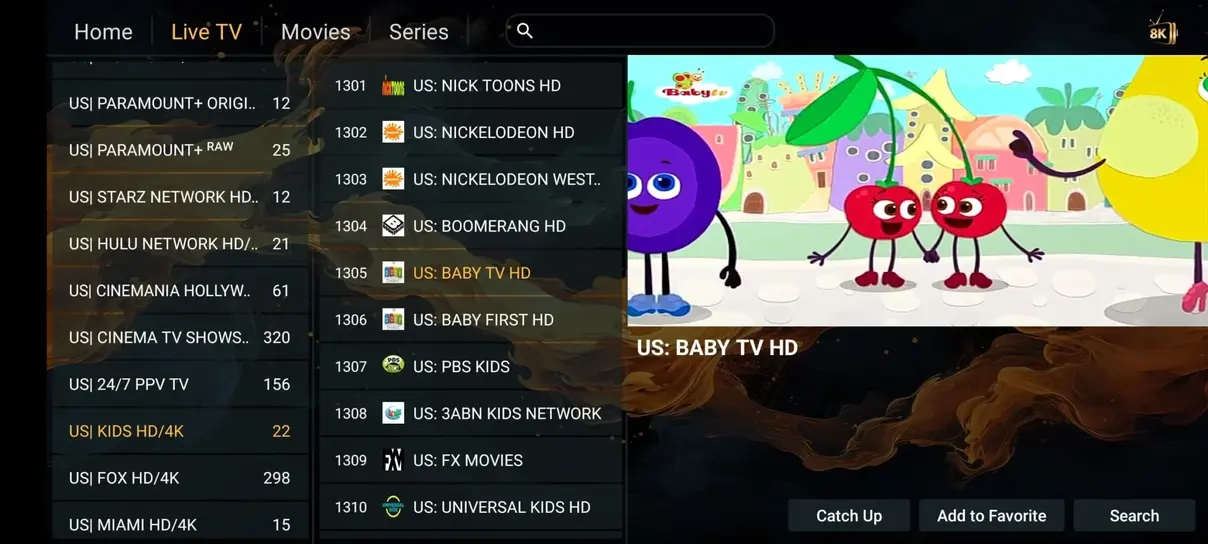
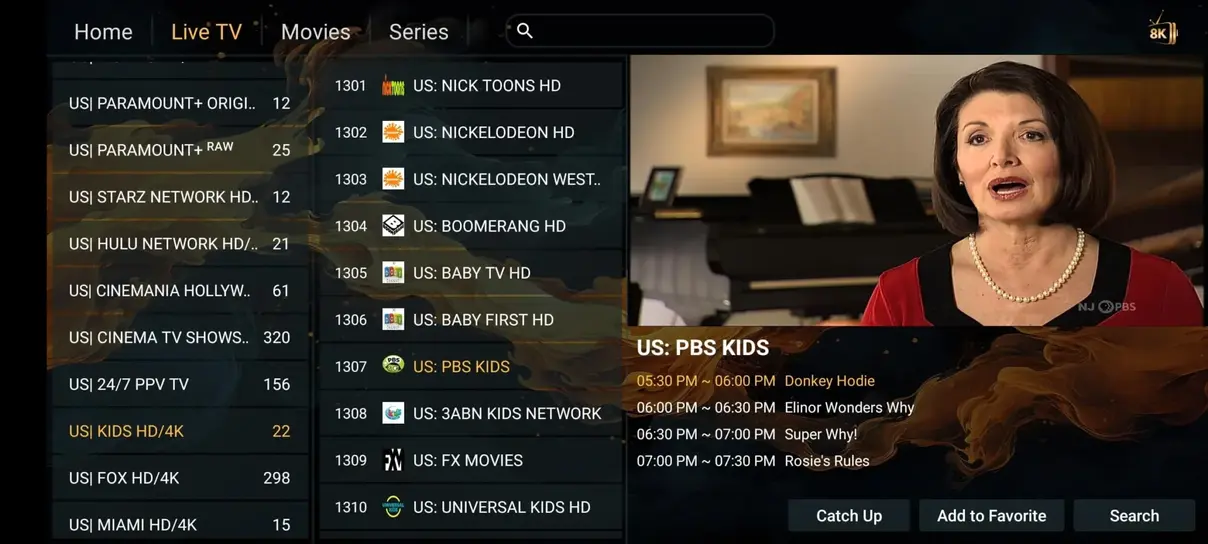
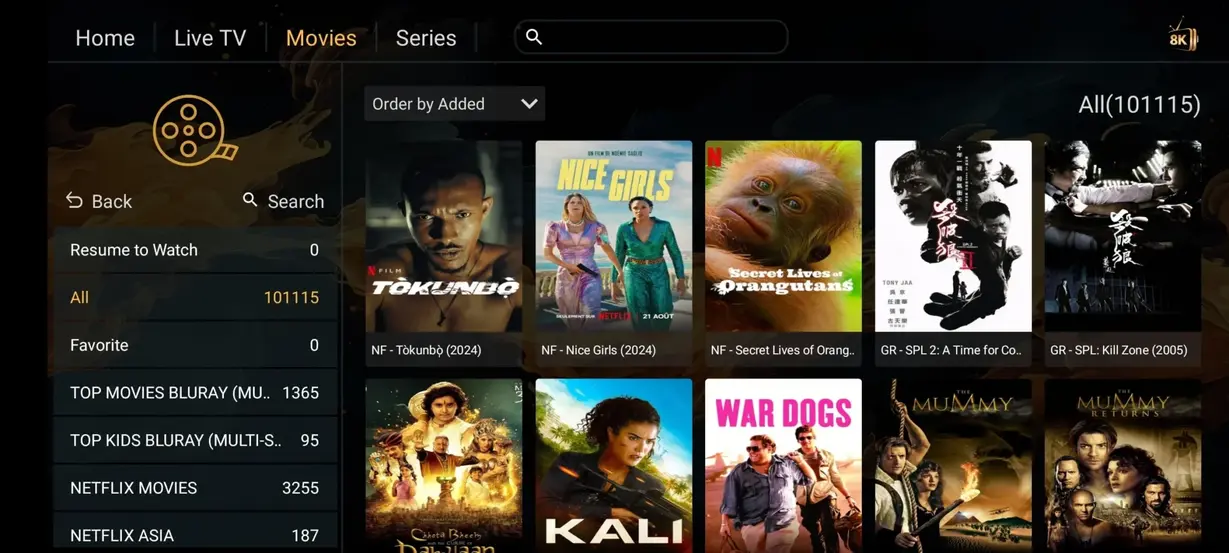
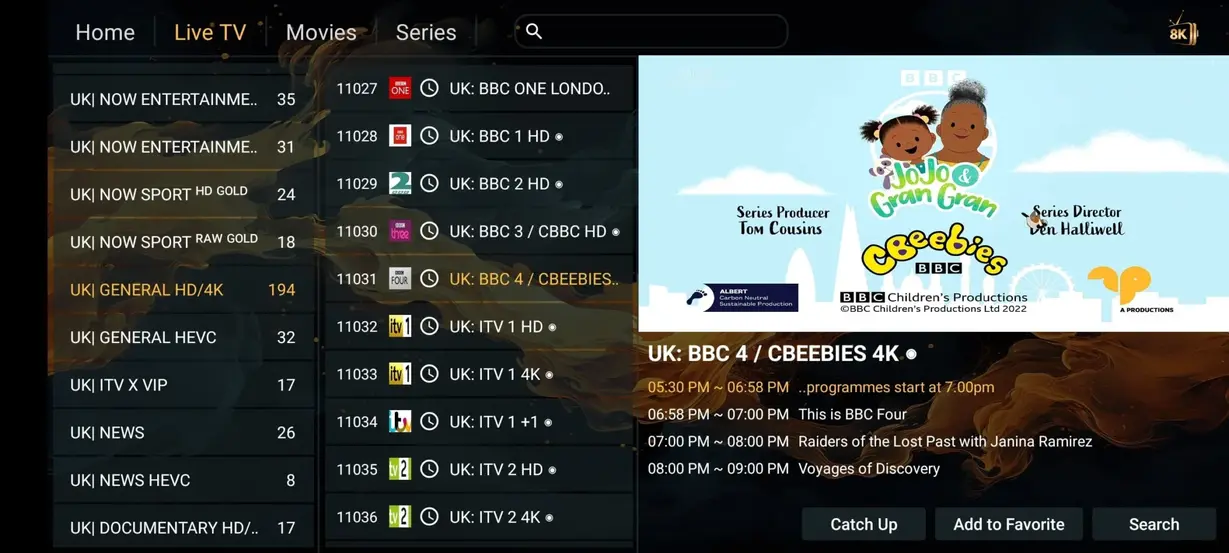
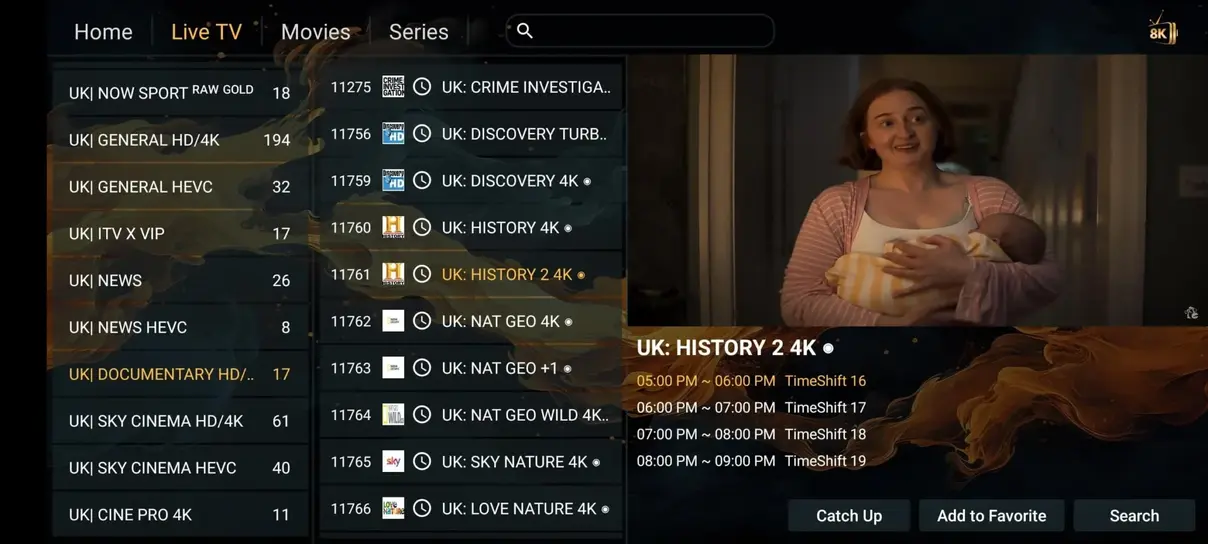
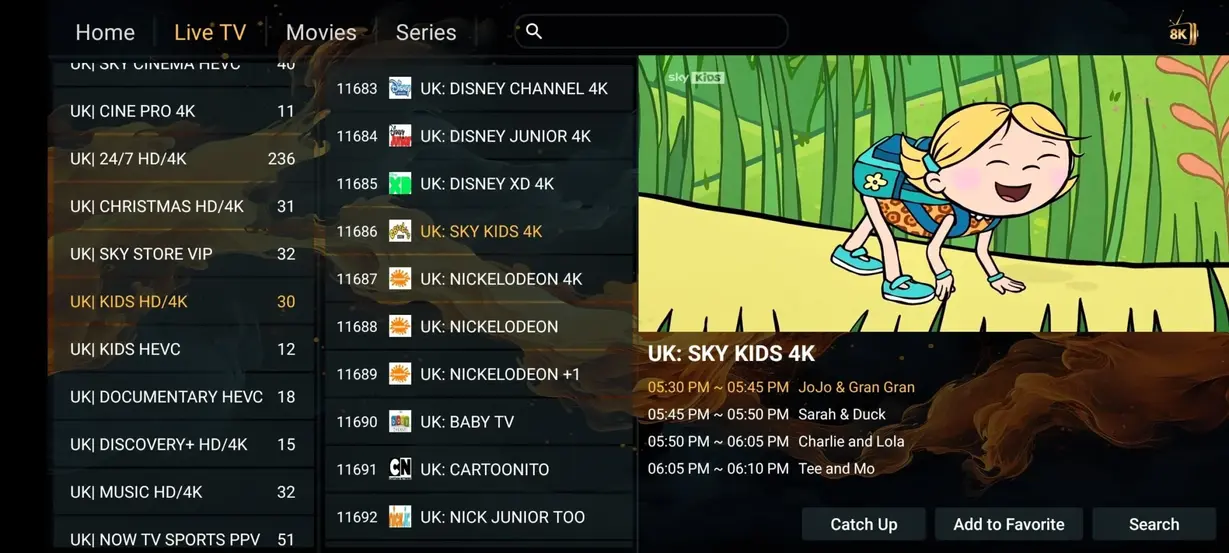
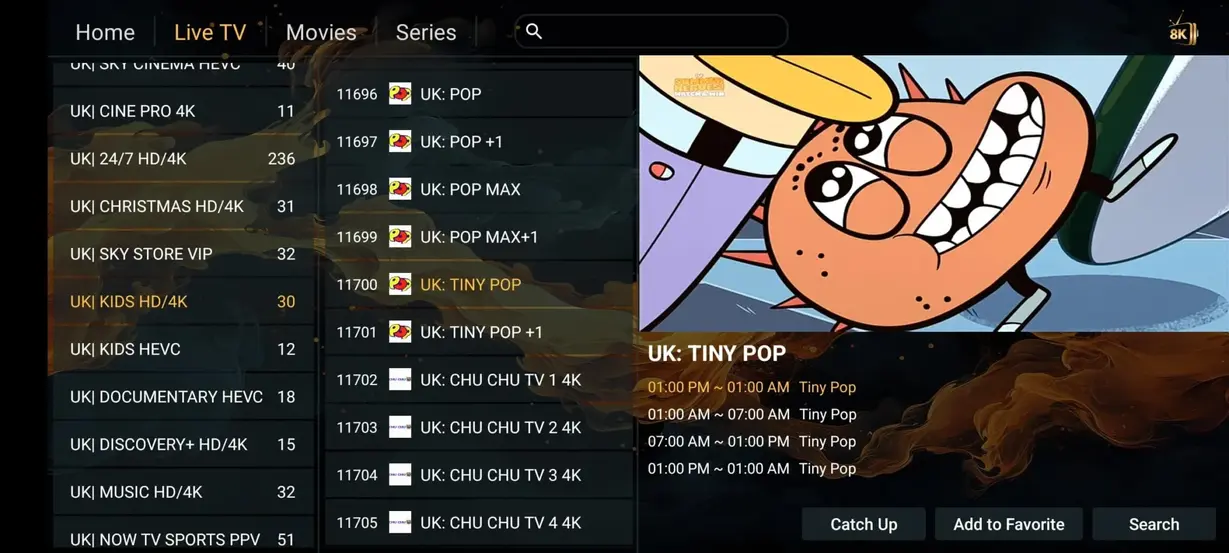
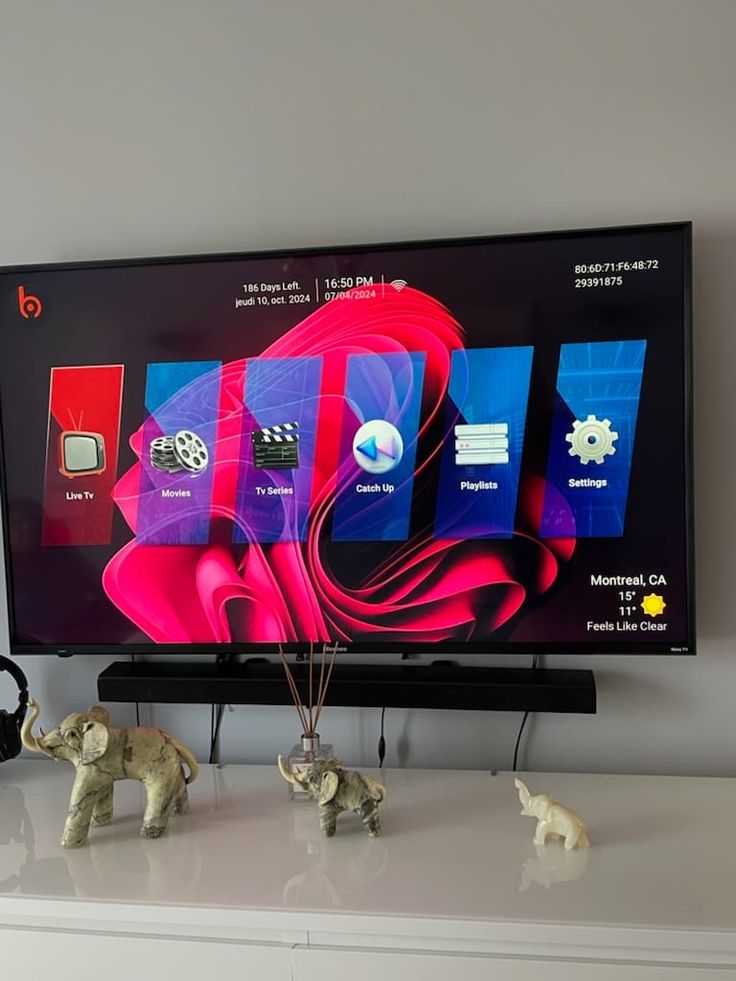
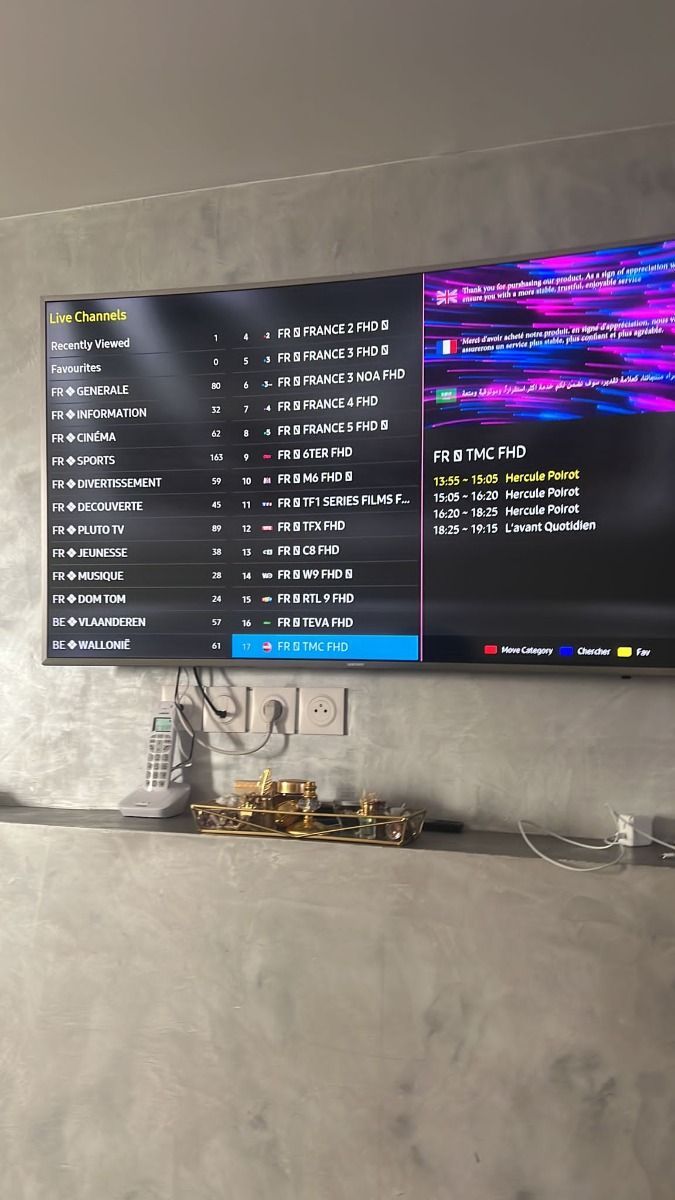
Explore compatible IPTV player layouts.


Swipe or use arrow keys
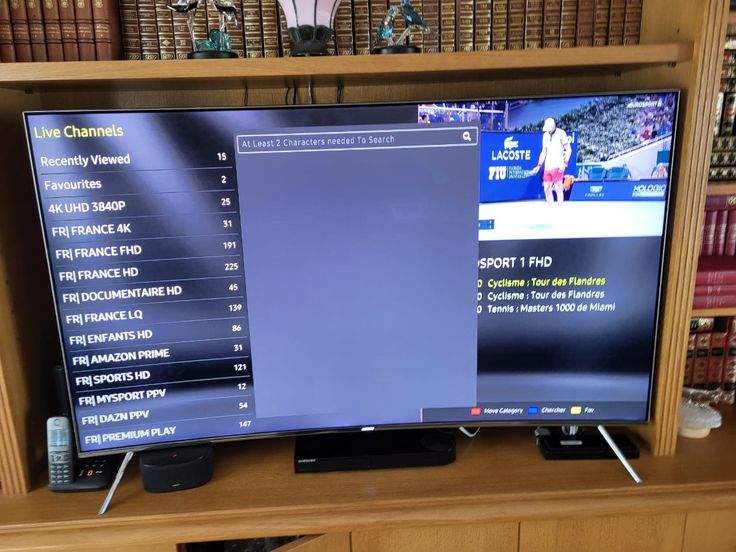
Preview live television, films, and guide navigation. Layout varies by app and device.
A side-by-side look at your television options.
| The details | Iflex IPTV | Cable / satellite* |
|---|---|---|
| Annual cost | $67,00 / year | $1.200,00+ / year* |
| Live channels | 35.000+ | 200–500* |
| Movies & series | 142.000+ | Often an extra charge |
| Adult channels | Included with annual plans | Package dependent |
| 24/7 channels | 1.000+ | Not a standard category |
| Sports channels | Included categories | Package dependent |
| No long-term contract | Yes · prepaid term | Provider dependent |
| Watch away from home | Where access permits | Often restricted |
*Illustrative comparison, not a quote from a specific cable company. Actual channel counts, equipment costs, sports rights, taxes, and packages vary. The current annual matrix price takes precedence over older comparison examples.
Include internet, equipment, player fees, and cable bundle discounts when comparing costs.
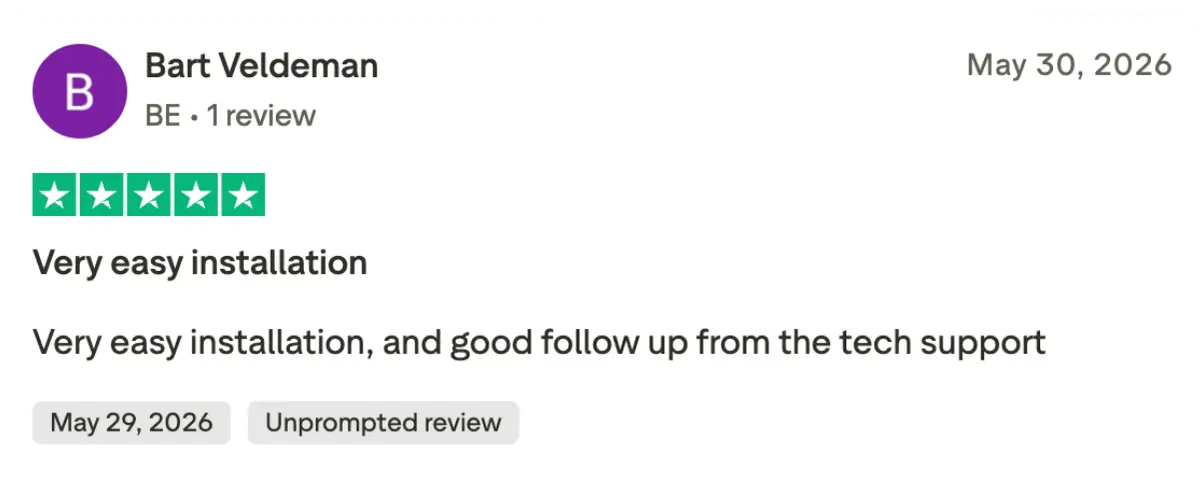
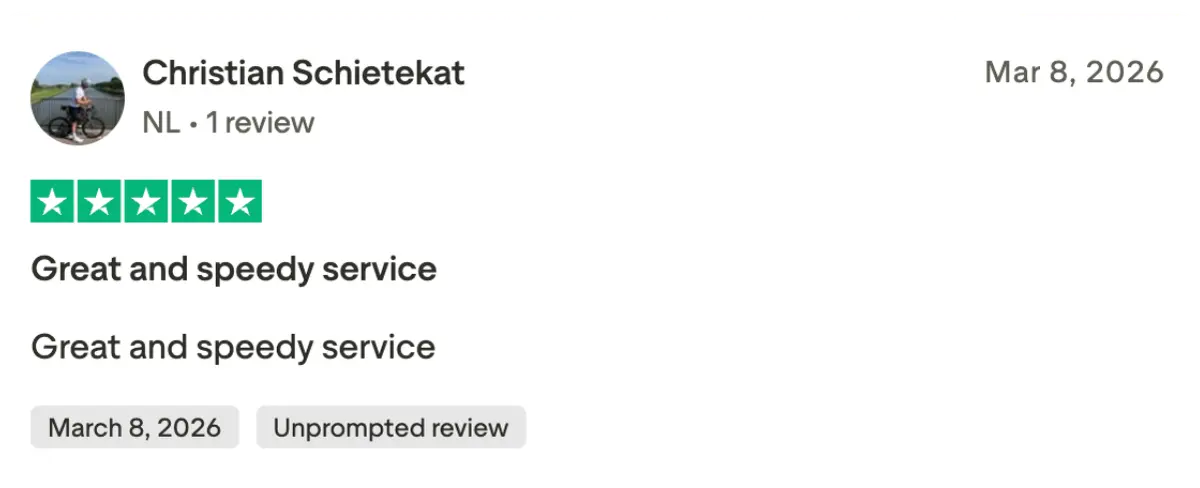
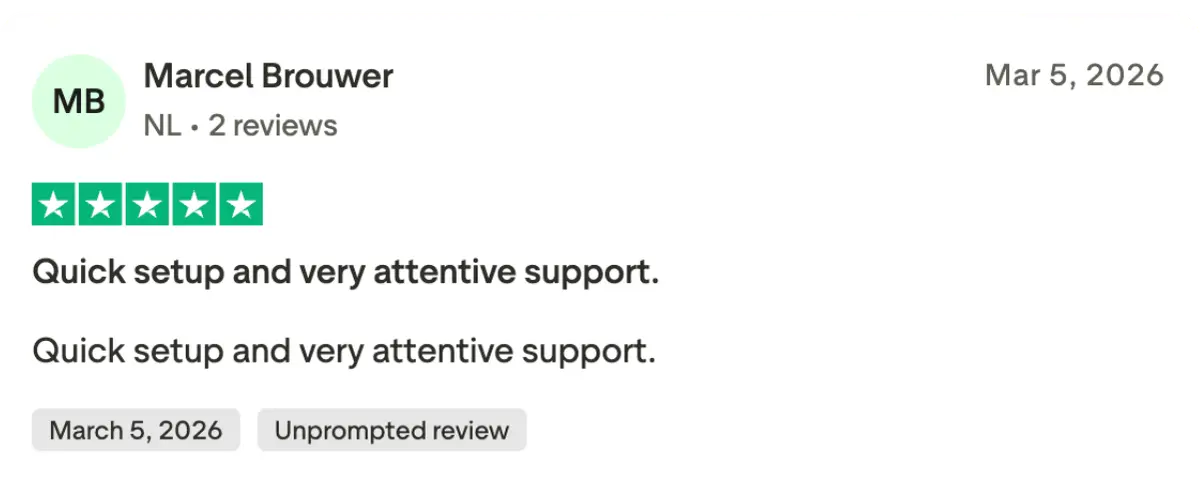
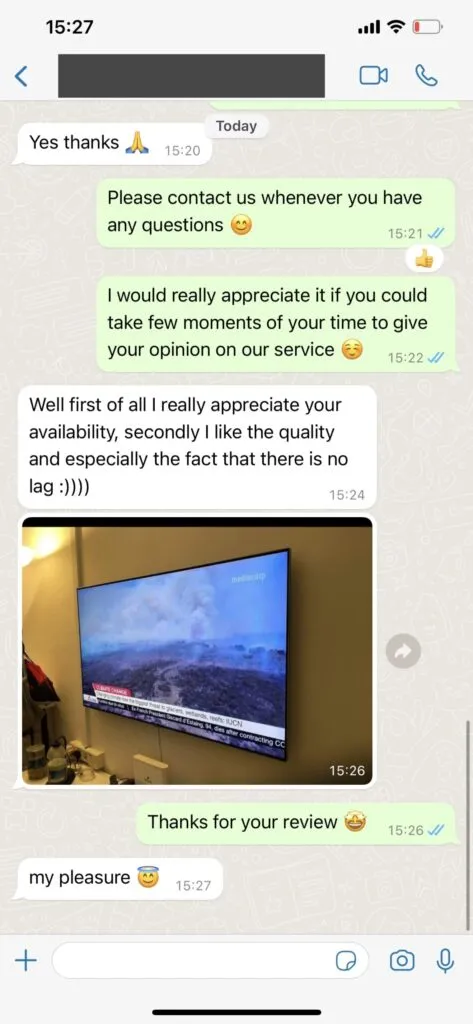
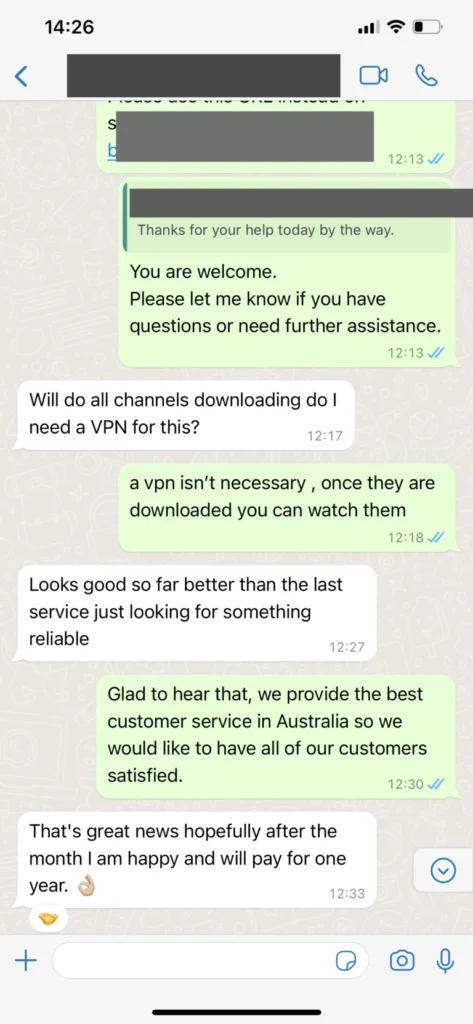
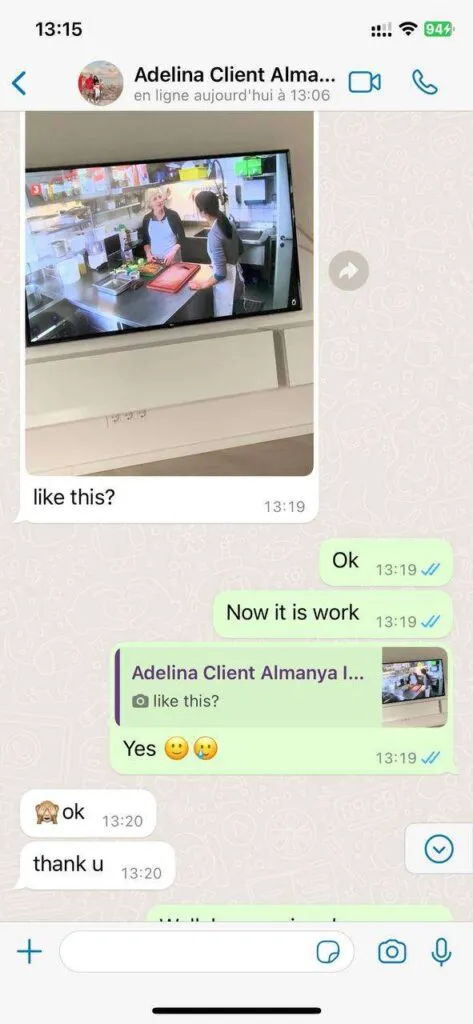
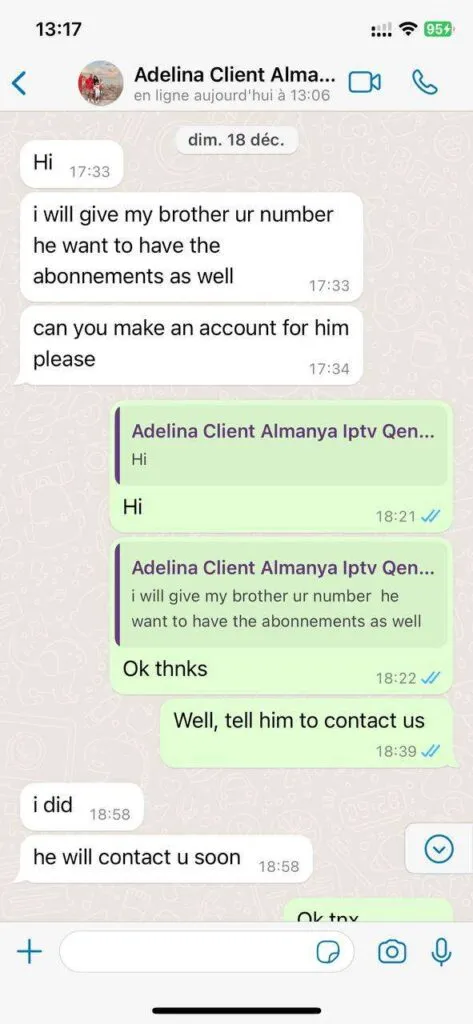
From finding a favorite channel to choosing the right player, these six customer accounts describe everyday viewing. Iflex IPTV is rated 4.9 / 5 based on 243 reviews.
The picture looks sharp on my television, and the player is easy to navigate. Everyday viewing feels straightforward.
I can move between programs in my first language and international channels without switching to a different setup.
When I had a setup question, support explained what to check. The answer helped me get back to watching.
My Fire Stick setup has worked well for live sport. I appreciate having the channels I follow close together.
We use four screens for sports, children’s programs, and international channels. Everyone can choose something different.
The annual package fits my regular viewing, and the installation instructions made getting started on my TV easy.
Feedback from everyday viewing.


Swipe or use arrow keys
Rated 4.9 / 5 from 243 reviews. Read feedback about installation, support, and everyday viewing.
Your first program is three steps away.
Install HOT Player or a supported alternative on your compatible Smart TV, Fire Stick, Android device, or computer. Check the exact model and use the official store or developer source.
Open the player and enter the details from your activation message: an M3U URL, Xtream login, or a portal linked to your MAC address. Refresh the playlist after saving.
Wait for the channels and library to load, test a live stream, and add your favorites. Check the guide time zone so programs line up with your local schedule.
Keep activation details private. Follow the installation guide for your device. Player licenses may cost extra.
At home or on the move.


Swipe or use arrow keys
Compatibility depends on your operating system, model, and app store. Our device guide covers native TV apps, streaming boxes, computers, and receivers.
Quality, stability, and easy installation.
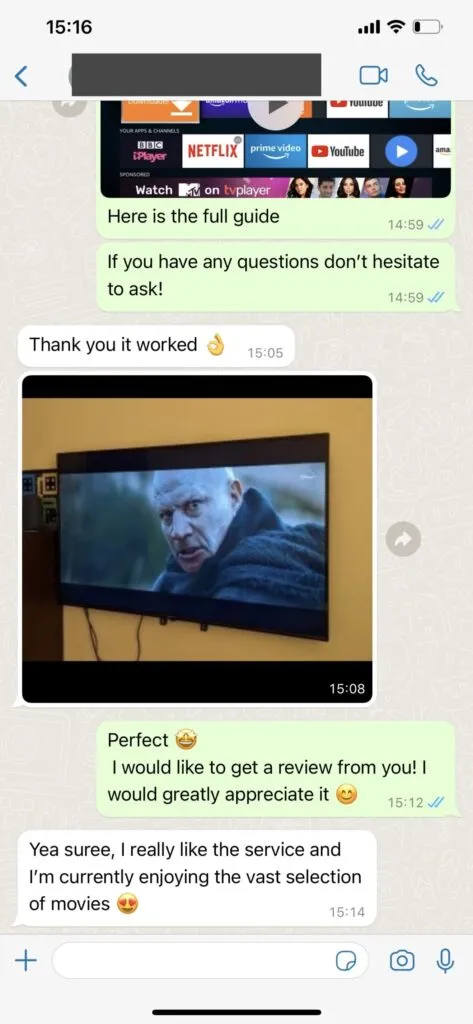
Viewers across Europe and the United States use Iflex IPTV for sports, movies, and international channels. They value picture quality, stability, and a setup process they can follow. Viewing photos illustrate supported setups.

My sports favorites are easy to find, and the picture stays clear on our living-room television. I had the player ready before the first match started.
Michael K.Berlin, Germany
The setup instructions helped me add the playlist to my Smart TV without guessing which login option to choose. Now switching between our usual channels feels simple.
Sophie R.Amsterdam, Netherlands
I use the service on a Fire Stick and appreciate having live TV and movies in one player. Support helped me check the settings when I first signed in.
Patrick L.Dublin, Ireland
We switch between Spanish and English programming at home. Having different language categories together saves us time when the whole family is choosing something to watch.
Carlos M.Barcelona, Spain
My partner watches a series while I follow sports on the other screen. The multi-screen option has made our different viewing schedules much easier to manage.
Jan V.Copenhagen, Denmark
The on-demand section is what I use most. I can browse for a film after work and settle in without planning the evening around a television schedule.
Luisa B.Lisbon, Portugal
I asked about my device before ordering and got clear installation directions. Getting the right app and account details together made the first evening much smoother.
Alex T.Austin, United StatesA useful answer starts with your device.


Swipe or use arrow keys
Send messages around the clock; live assistance is staffed 16 hours daily. Confirm your package and request a secure payment link. Keep card details out of chat.
Know what your subscription includes.
Give each viewer space to choose. The selector shows the exact bundle price and savings for your household.
Move between broadcasts, the library, and supported catch-up channels. Each mode has its own availability.
Get device-specific assistance and clear activation details. Keep the support conversation with your order information.
Only annual plans include an extra month. Check the seven-day refund policy and full feature breakdown before choosing.
The dedicated Iflex IPTV support team is available 16 hours daily via WhatsApp. The team aims to resolve straightforward issues within minutes and supports English, German, French, and Spanish. Messages can be sent at any time; response times depend on the queue and issue.
Contact Iflex IPTV on WhatsApp, confirm your device, screen count, duration, and currency, and request a secure payment link. The team covers 16 hours daily, including peak European viewing hours. Review the total and refund terms before paying; do not send card details in chat.
Compatible devices include Samsung, LG, and Sony Smart TVs, supported Amazon Fire TV models, Nvidia Shield, Android TV boxes, phones, tablets, and computers. HOT Player or another compatible IPTV player can be used. App availability varies by operating system, model, and store region.
The advertised Iflex IPTV lineup includes 35.000+ live channels, 142.000+ movies and series on demand, and 1.000+ 24/7 channels. Categories include English, German, French, Spanish, Italian, and Scandinavian programming. Ask for confirmation of specific US channels, events, and regional availability before ordering.
Allow at least 10 Mbps for an HD stream and 25 Mbps for a 4K stream, plus headroom for other devices. Each simultaneous screen needs its own bandwidth. A wired Ethernet connection is recommended for a TV whenever practical; source quality and network conditions also affect playback.


A VPN is not ordinarily required on an unrestricted connection in Europe or the United States. Some viewers choose one for additional privacy. Local network policies, territorial rights, and service terms still apply, and a VPN does not guarantee access or authorize restricted content.
You can use a supported device away from home where your plan, local rules, network, and content rights permit access. Check your simultaneous-screen allowance before traveling. Hotel Wi-Fi may require a browser sign-in, and some networks restrict streaming or have insufficient bandwidth.