
Read beyond the star score
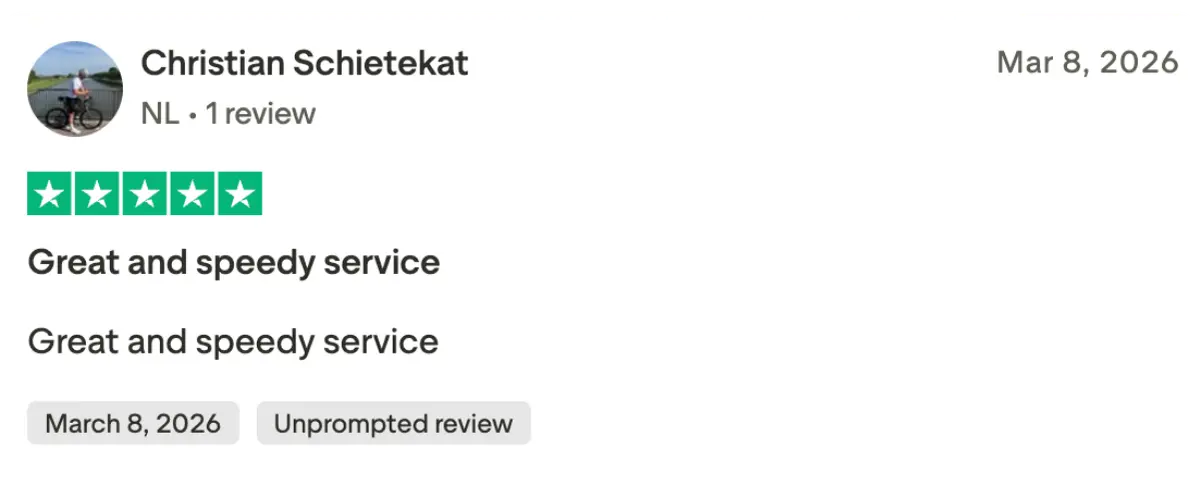
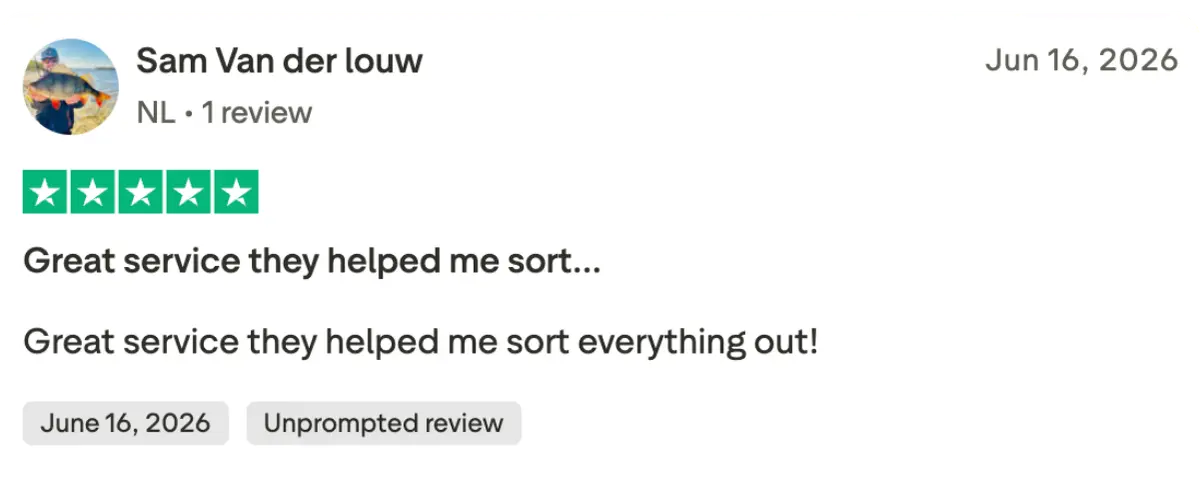
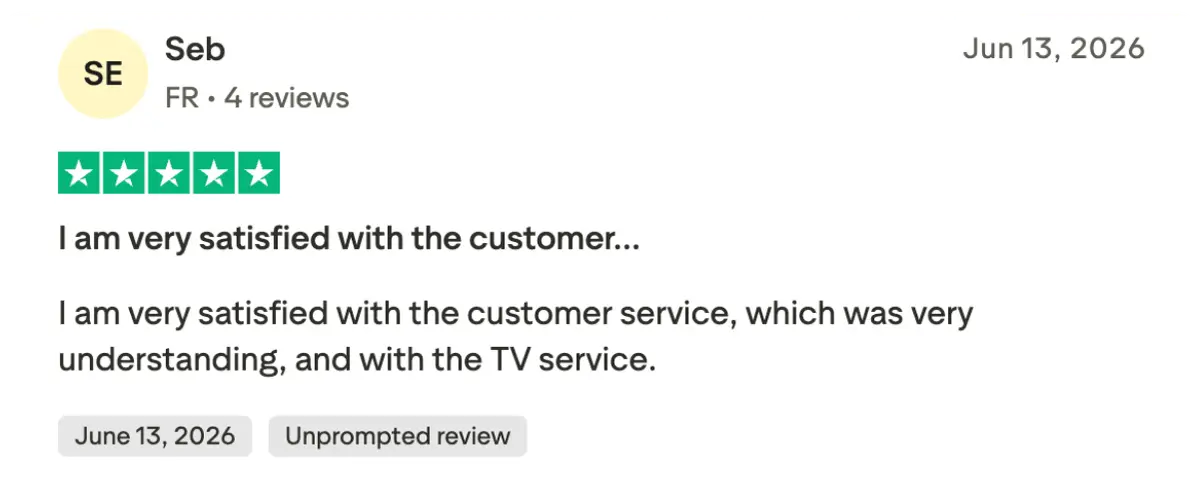
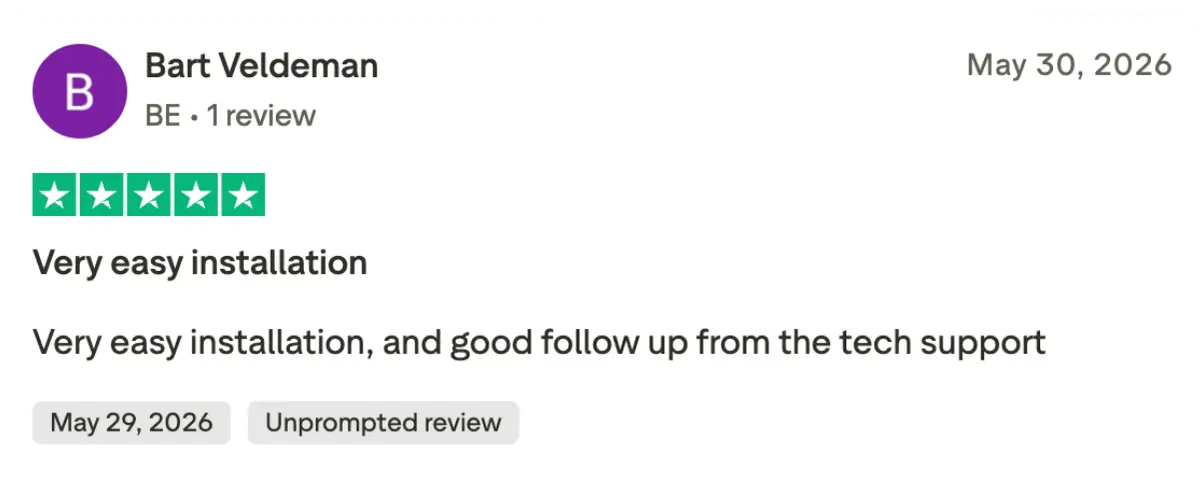
Iflex IPTV has a 4.9 / 5 rating based on 243 reviews, using the review information supplied and confirmed by the business. The most useful part of feedback is often the setup described beside the score. A viewer using Ethernet on a recent streaming box may have a different experience from someone on an older television connected through a busy wireless network. Read those details when deciding what applies to your home.
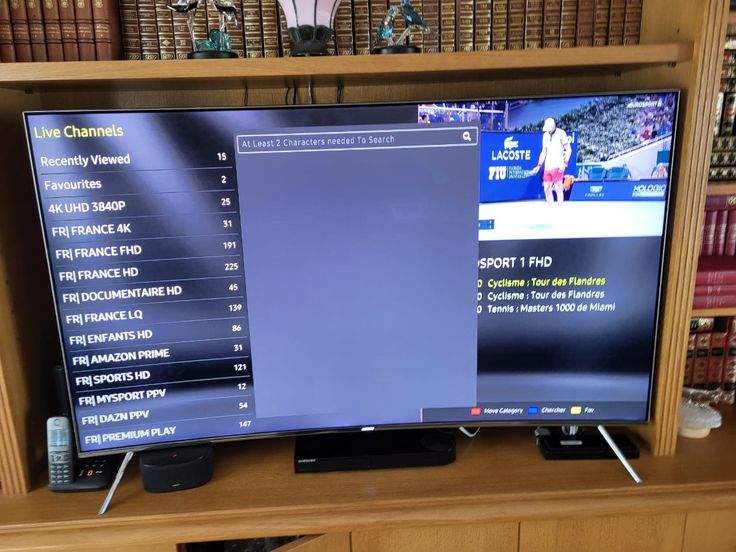
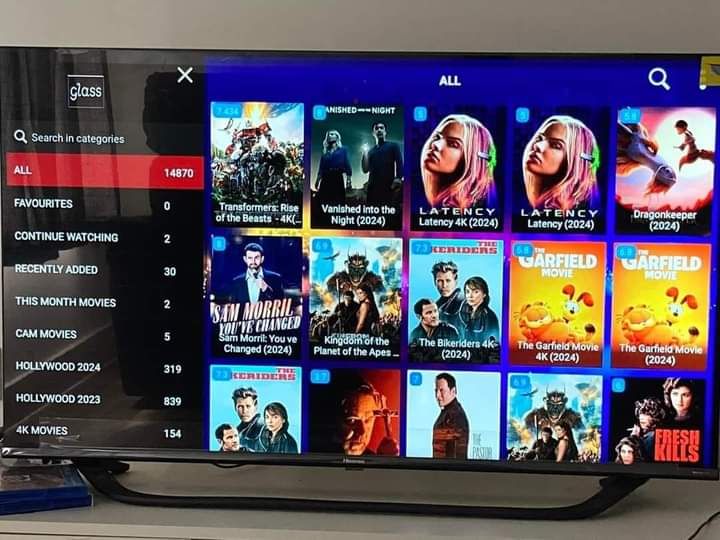
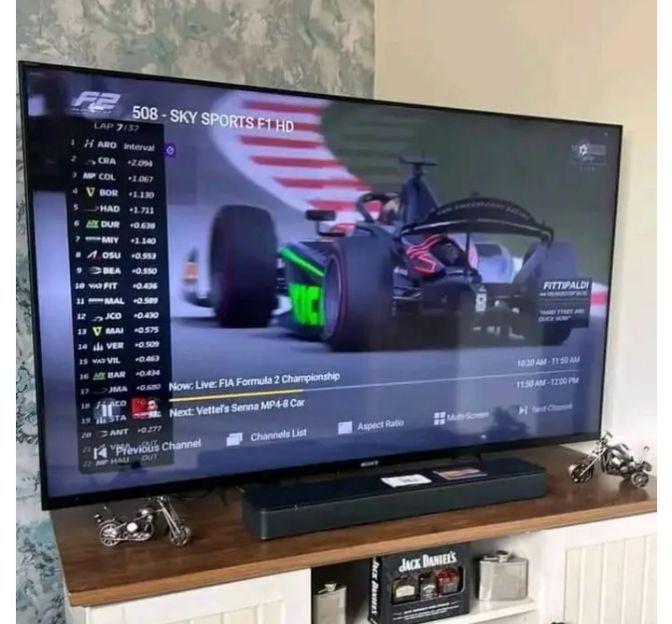
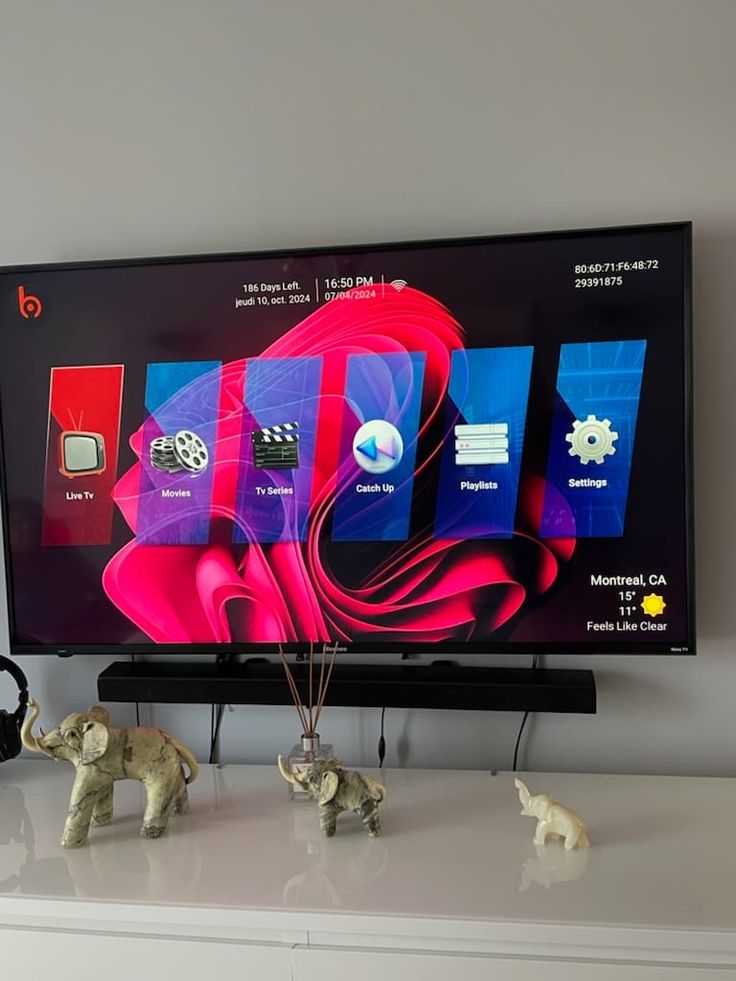
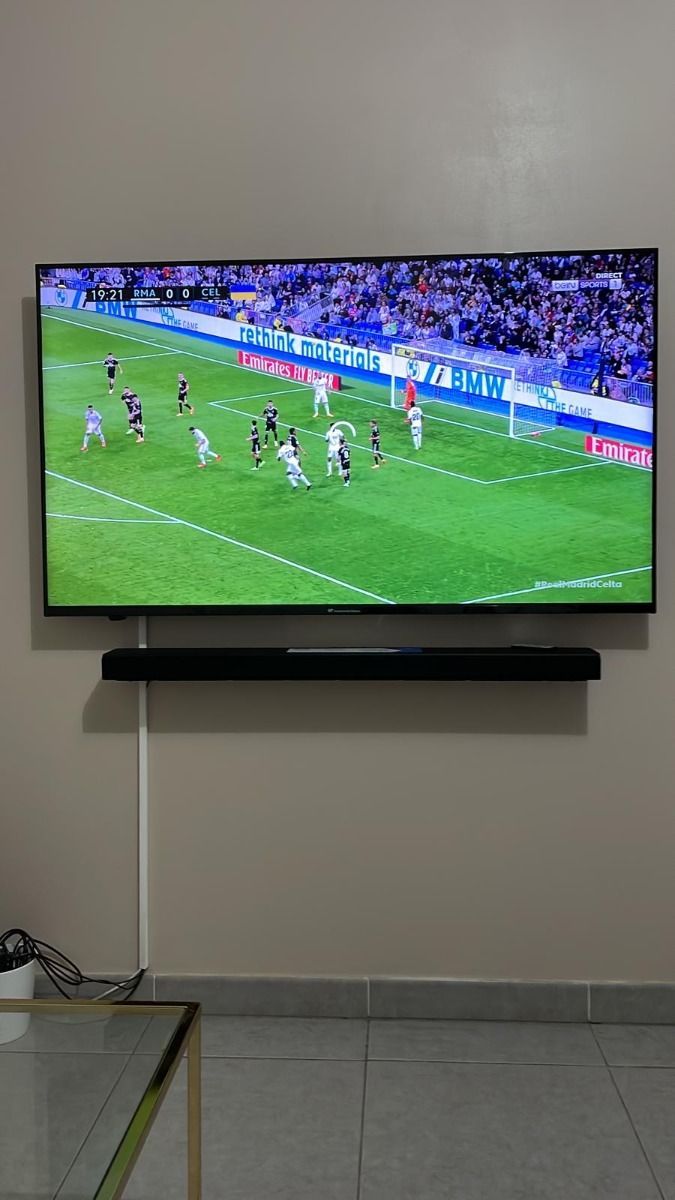
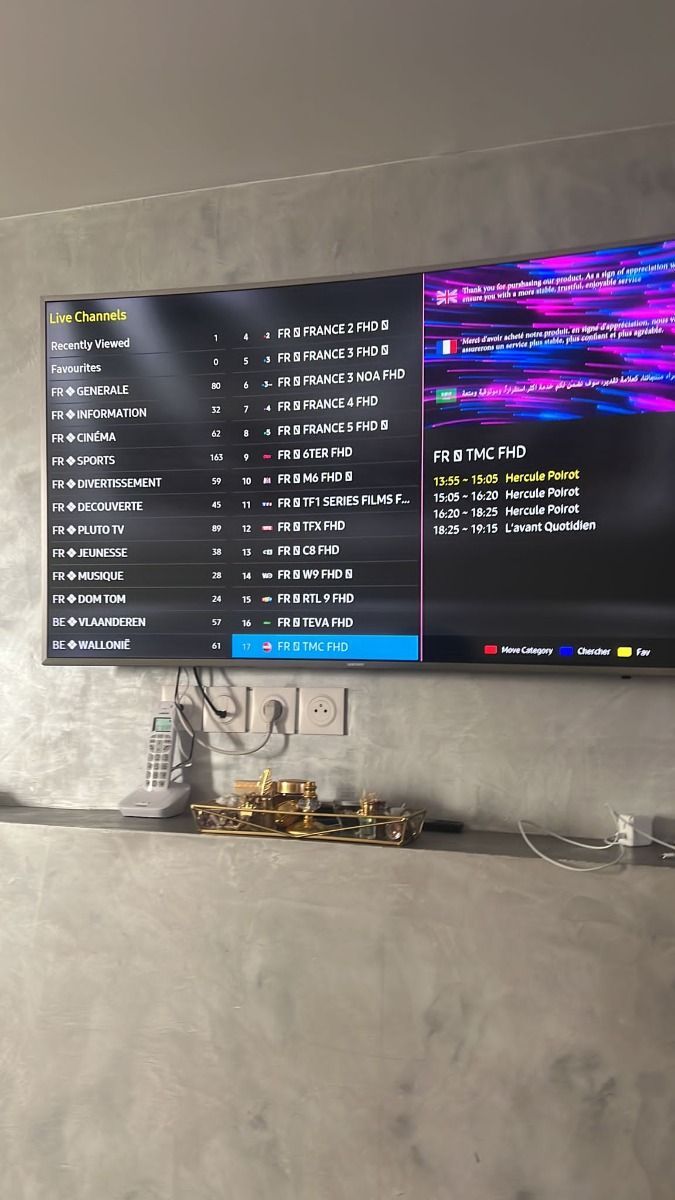
The seven customer accounts on this page cover sports, movie browsing, multilingual programming, Fire TV installation, and simultaneous viewing. They illustrate different reasons for choosing a subscription. No single review can establish whether your particular local station, app, or live event is available, so confirm those details separately before paying.
What customers notice during installation
Getting started is easier when the activation message and app fields match. Reviewers mention clear instructions because a player can offer several login methods with similar names. Knowing whether you received an M3U link, Xtream credentials, or a MAC-linked portal prevents an avoidable setup loop. The installation guide explains those distinctions for each major device group.
A successful first session should include a live channel, the program guide, and an on-demand item when those features are part of your package. Check audio, subtitles, and the remote controls you use most. This quick tour reveals practical issues early, before a planned sports event or family movie night depends on the setup.
Why household reviews matter
Multi-screen feedback is especially helpful when the household watches different things at once. A plan’s screen count refers to simultaneous streams, not simply the number of devices with an app installed. Reviewers describing two independent programs give useful context for that distinction. Your selected plan still needs enough capacity for everyone who will watch together.
Language preferences also change what counts as a good experience. A large catalog is less valuable if the channels you want lack the expected audio or subtitles. Ask about your preferred languages by name, and test the relevant tracks in the player. The availability of an on-screen subtitle button does not mean every title contains a subtitle file.
A fair way to assess reliability
Use customer feedback as one input alongside your own device and connection checks. A positive experience on one network does not guarantee identical performance everywhere. Network routing, source availability, app updates, and local congestion can all influence live viewing. If you experience a problem, a short record of the channel, time, and error message is more useful than repeatedly restarting everything.
Support can help distinguish an account issue from a player problem. It is also reasonable to compare another authorized source or test a second device on the same network. Change one setting at a time so you can identify what made a difference. Our troubleshooting guide offers a structured sequence that avoids losing saved favorites unnecessarily.
Share feedback that another viewer can use
When sharing a review, name the device family and describe the specific part of the service you used. Mention whether the issue was resolved and what helped. Avoid posting access URLs, passwords, order documents, or other private information. A concise account with practical details gives future readers more value than a broad claim about every channel or every network.
If you need assistance with an active problem, contact support directly as well as leaving feedback. A public review is not a private support ticket and should not contain the credentials needed to investigate an account. Use the contact page for billing, activation, or refund questions, and keep the order reference available for the team.